
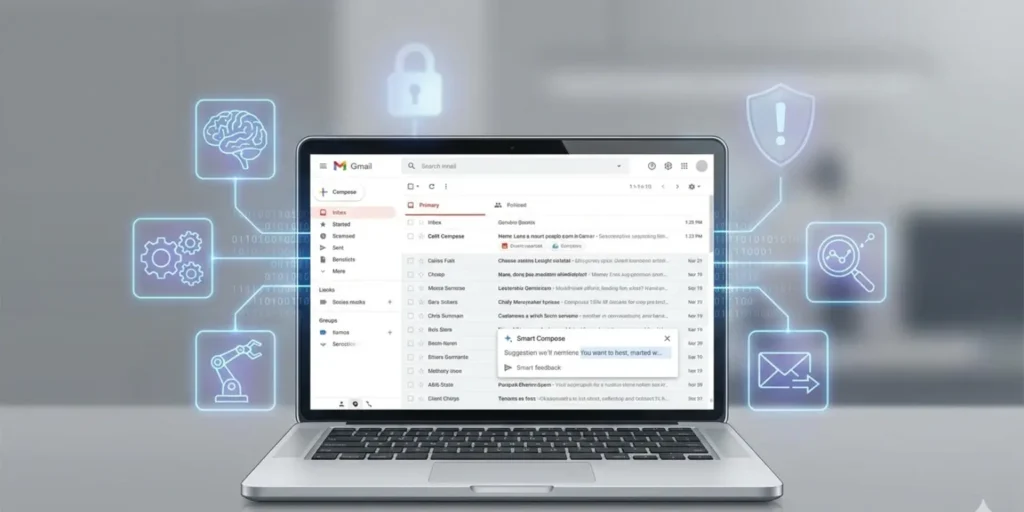
Google’s latest Gmail upgrade brings AI tools that analyze emails more deeply than before.
More than two billion people around the world use Gmail every day. Now, all of them are being pushed toward a major change. Google is rolling out new features that deeply analyze email content and user behavior. For many users, this shift will happen automatically unless they take action.
Google calls this shift the start of the “Gemini era” for Gmail. If you use Gmail, you may already have seen messages about new writing tools and smarter replies. These features can help draft emails, rewrite messages, and suggest responses based on conversation history.
At first glance, this may sound helpful. Writing emails takes time, and many people struggle to keep up with crowded inboxes. But these new tools come with a cost that users need to understand before accepting them.
What the New Gmail Features Do
Google says the upgrades will make Gmail easier and faster to use. One new tool helps users write emails from scratch or improve messages they have already started. Another feature suggests quick replies based on the full context of a conversation.
Google explains that these tools are powered by its latest technology and are being released gradually. The rollout began in the United States and currently supports English. More languages and regions will follow in the coming months.
This is not the first time Gmail has added smart features. Over the years, Google has introduced tools that sort emails, predict what users might search for, and offer short reply suggestions. Each update has moved Gmail closer to an inbox that runs itself.
Now, Google is working toward what it calls an “AI Inbox.” Instead of showing emails in a simple list, Gmail will highlight what it thinks matters most and summarize the rest.
Privacy and Data Concerns
While Google presents these changes as helpful, critics warn that there are serious privacy issues to consider. To offer these features, Google must process and analyze the contents of your emails in the cloud.
Some technology experts say this raises red flags. Email often contains sensitive personal and professional information. When that data is analyzed at a deeper level, users lose control over how much is being read and stored.
Google says users can turn off these smart tools. To do so, you must go into Gmail settings and disable the smart features. However, this also means giving up access to the new tools entirely. You cannot use the upgrades without allowing Google to process your data.
In simple terms, convenience and privacy are now tied together. If you want the smarter inbox, you must accept deeper data analysis.
Critics Speak Out
Several tech commentators have been blunt in their criticism. Some argue that Gmail already tracks too much user activity and that these changes make things worse. They say users are slowly being trained to rely on automated tools instead of reading messages themselves.
Others point out that features once limited to paid subscribers are now being pushed onto everyone. This means users who never asked for these tools are now being included by default.
Critics also worry that users may not fully understand what they are agreeing to. Many people click through settings without reading details, especially when updates are presented as free improvements.
Why Most Users Will Accept It
Despite the concerns, history suggests most Gmail users will accept the changes. Many people enjoy new features and trust Google to handle them responsibly. Others simply do not want to spend time adjusting settings.
This pattern has repeated across many tech platforms. New tools are introduced, warnings are raised, and most users move forward without looking back.
Google’s rapid rollout shows confidence that users will stay. With Gmail so deeply tied to work, banking, and daily communication, switching services is difficult for many people.
The Future of Email
Supporters of the changes say this is the natural direction for email. Inbox overload is a real problem, especially for professionals. A system that summarizes messages, highlights tasks, and organizes priorities could save time.
Some testers have already seen inbox views that show daily briefings instead of full email lists. These include short summaries, reminders, and suggested actions. Google says this helps users focus on what matters most.
From this view, email becomes less about reading every message and more about managing information efficiently.
Is There Still a Way Out?
For now, users still have options. Gmail’s smart tools can be turned off, and emails can be accessed through other apps that connect to Gmail accounts.
Desktop email programs and built-in mail apps on computers and phones often allow users to read Gmail without using Google’s web interface. These tools usually do not include advanced automation features.
This option may appeal to users who want to keep control over how their emails are displayed and handled.
Making an Informed Choice
Google’s Gmail upgrade is not a small update. It represents a major shift in how email works and how user data is processed. For some people, the benefits will outweigh the concerns. For others, the loss of privacy may feel like too high a price.
The most important step is awareness. Users should understand what is being offered and what is being exchanged. Gmail will continue to work either way, but how much control you keep depends on the choices you make now.
Once these features are fully embedded, opting out may become harder. For Gmail users, this moment is less about new tools and more about deciding how much of their digital life they are willing to hand over.
About the Author